Brex — Budget templates
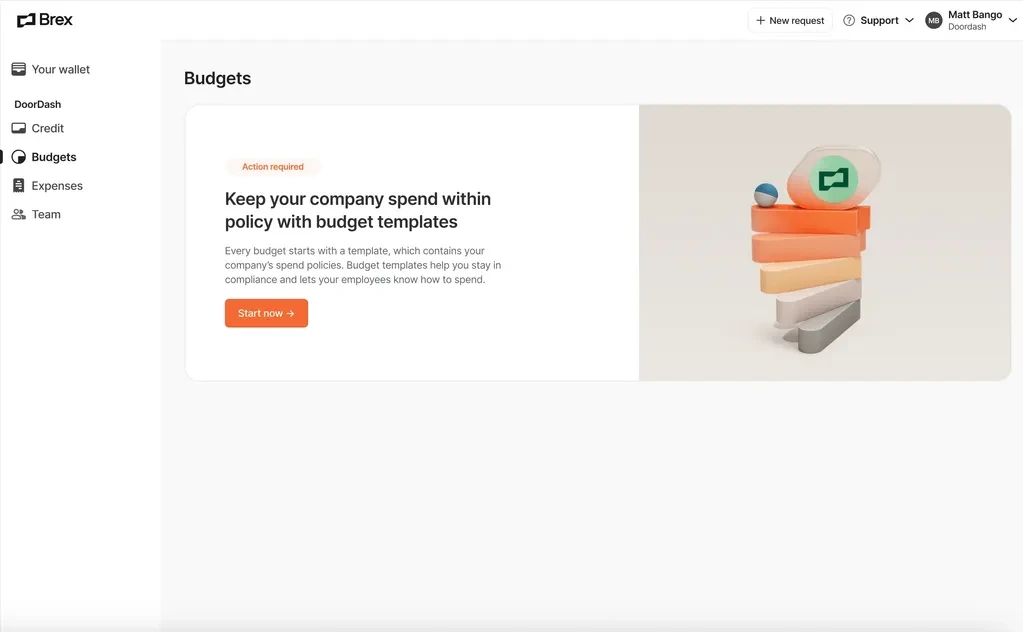
At Brex, a budget is an amount of money given to employees for a specific business purpose. They require many attributes to be defined—members, recurrence, and policies to name a few. Customers expressed frustration with creating budgets so we designed templates to simplify and speed up the process.
I created a 2-day workshop with the team (product managers, engineers, designers, and a data scientist) to determine what templates to build.
Our Data Scientist, Cornelis, and I started the design jam with some context building. We presented some of our customers' budget structures and pulled data on how they name their budgets.
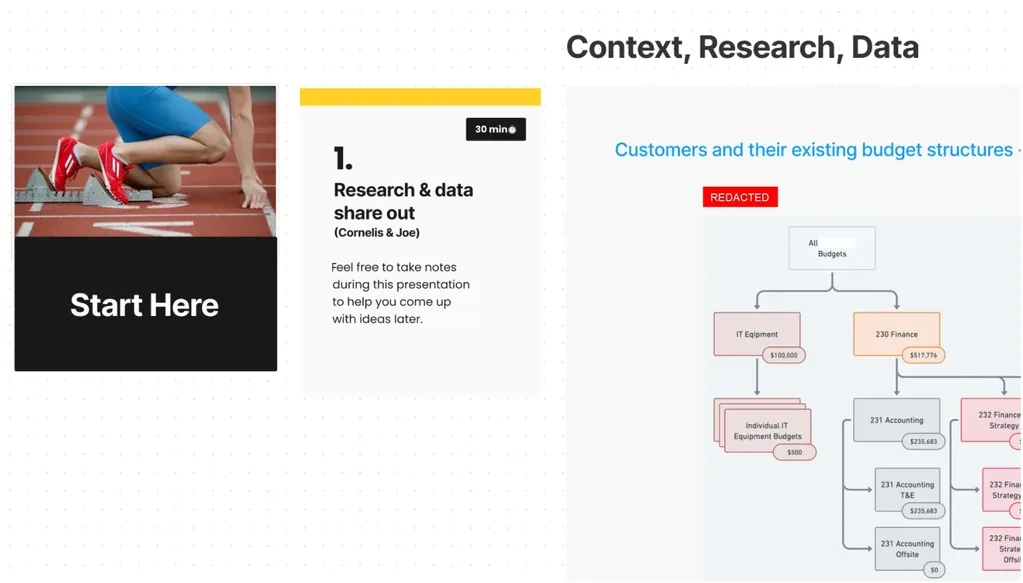
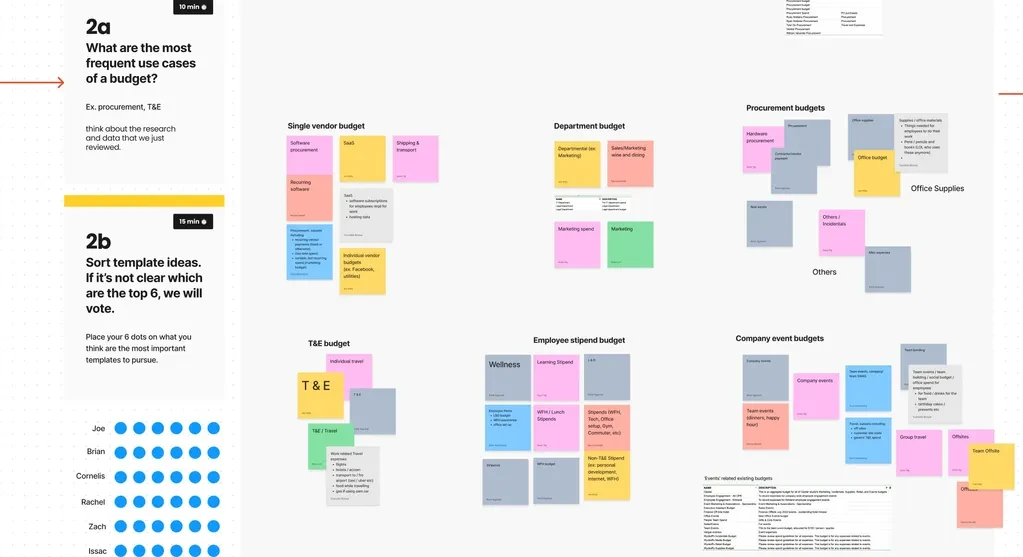
After reviewing the data, we identified the most common spending use cases and sorted them to find the most important types of templates to create.
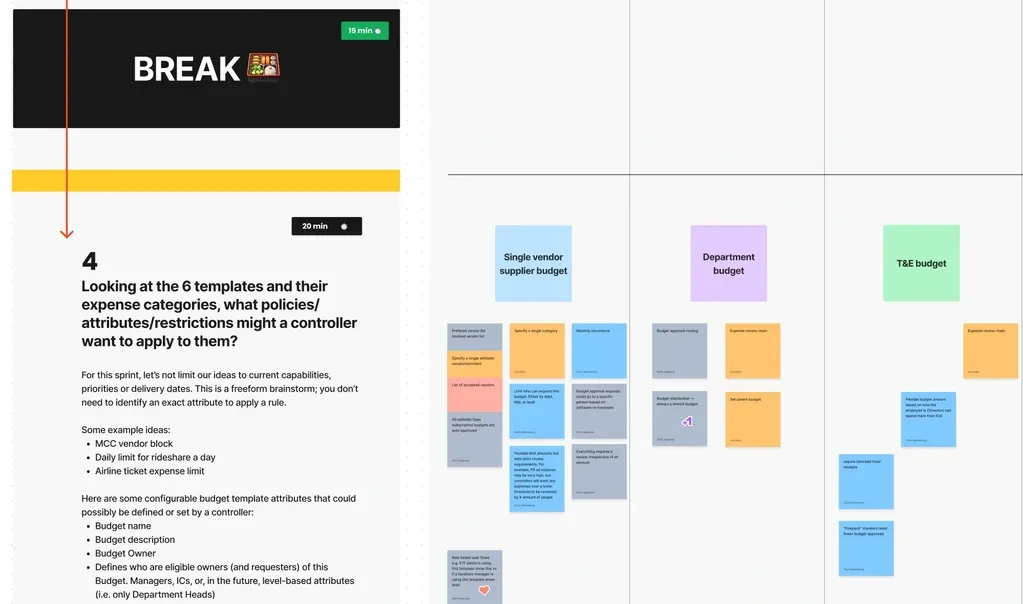
We brainstormed to identify which policy and spend controls would be important for each template. For example, a travel template would need policies for airlines, rideshares, and lodging.
After the workshop, I teamed up with my design partner, Rohit, to create the onboarding guide for budget templates.
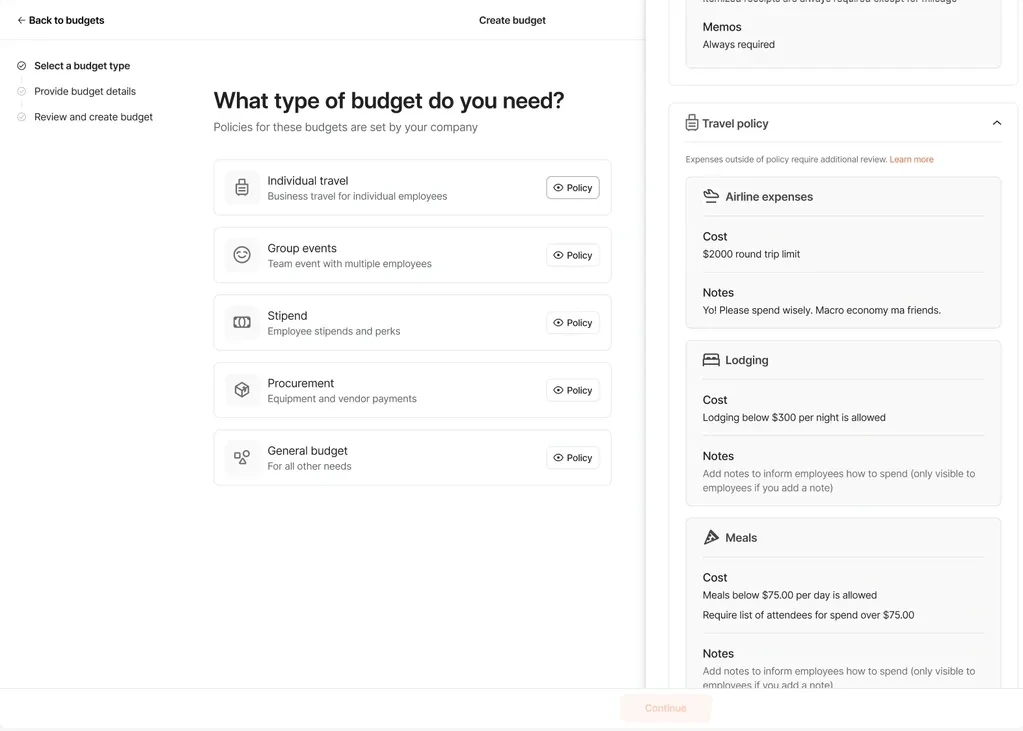
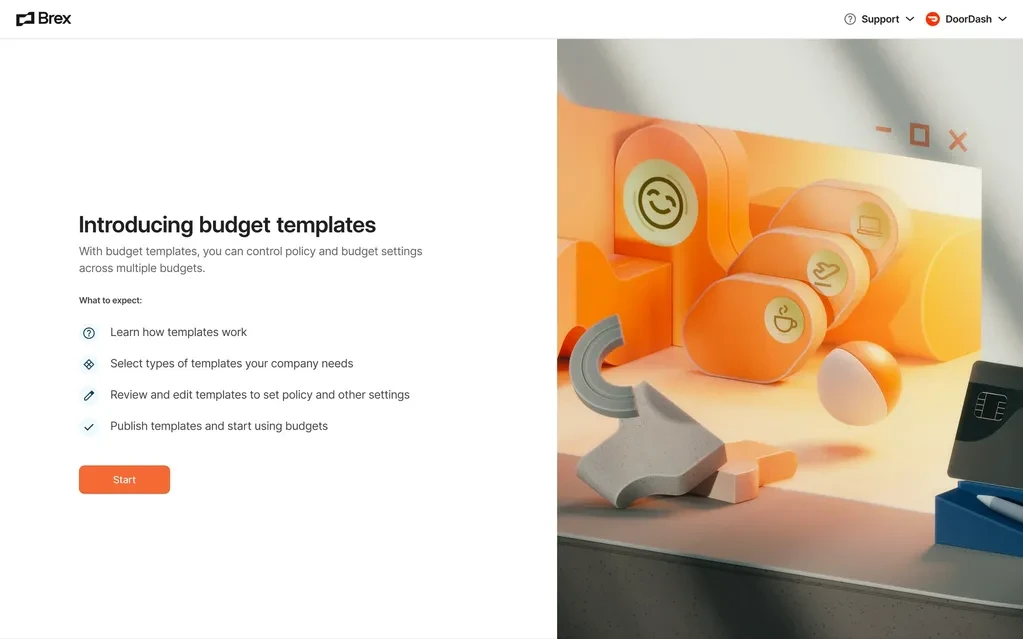
The first page of the guide introduces the templates briefly and gives a preview of what to expect in the next steps.
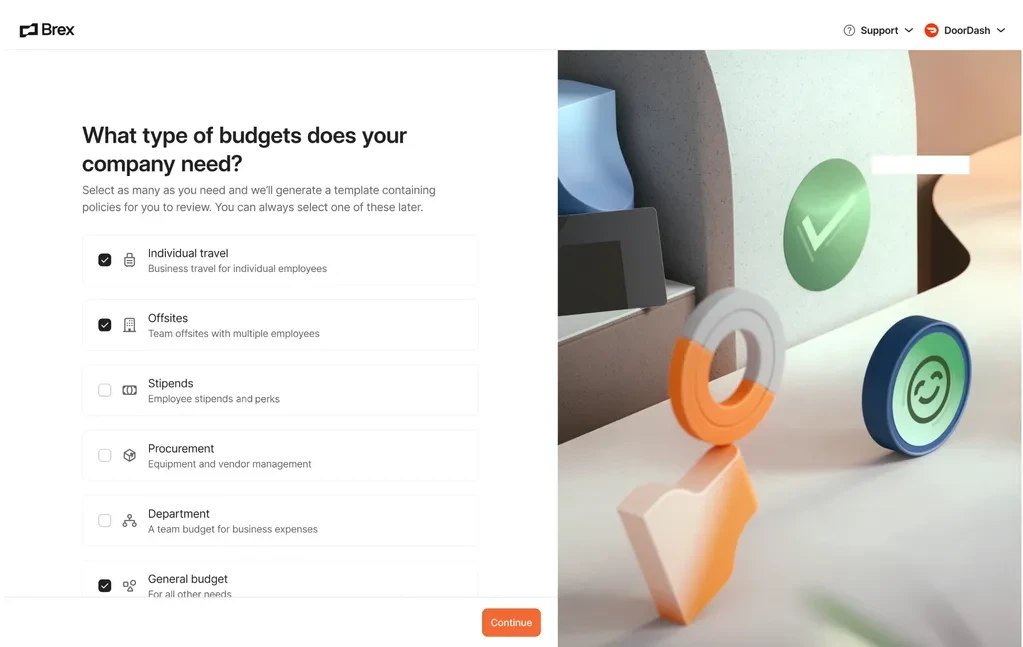
We used a conversational tone to better understand what types of budgets the customer needed. After multiple critiques, I landed on these titles and descriptions of the templates.
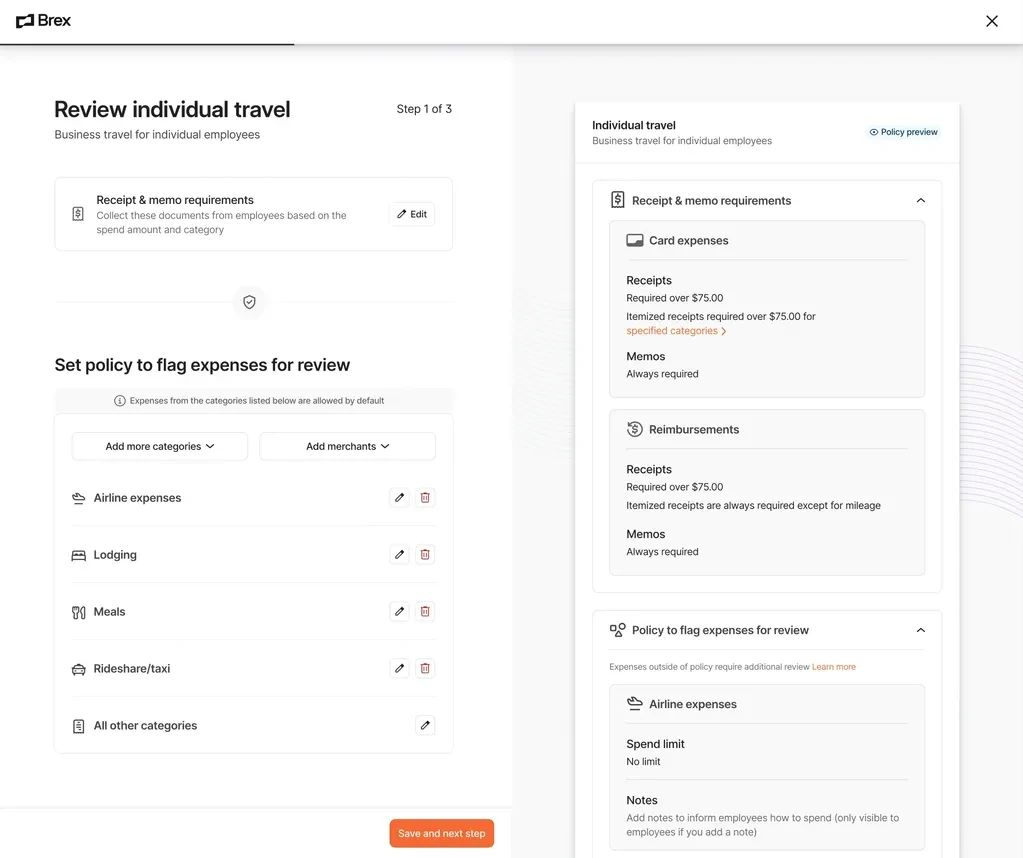
After selecting the templates they need, admins set the policies and spend controls for each template. The right column shows a preview of what employees will see when they view their budget's policy.
Once the admin sets up the templates, employees can preview their policies and select them to create budgets.
Impact
The templates reduced the time to create a budget from approximately three minutes to two. We also received positive customer feedback about the new creation form in the templates. After launch, the paid SaaS platform of Brex (Empower) grew its monthly average user base by 50%.